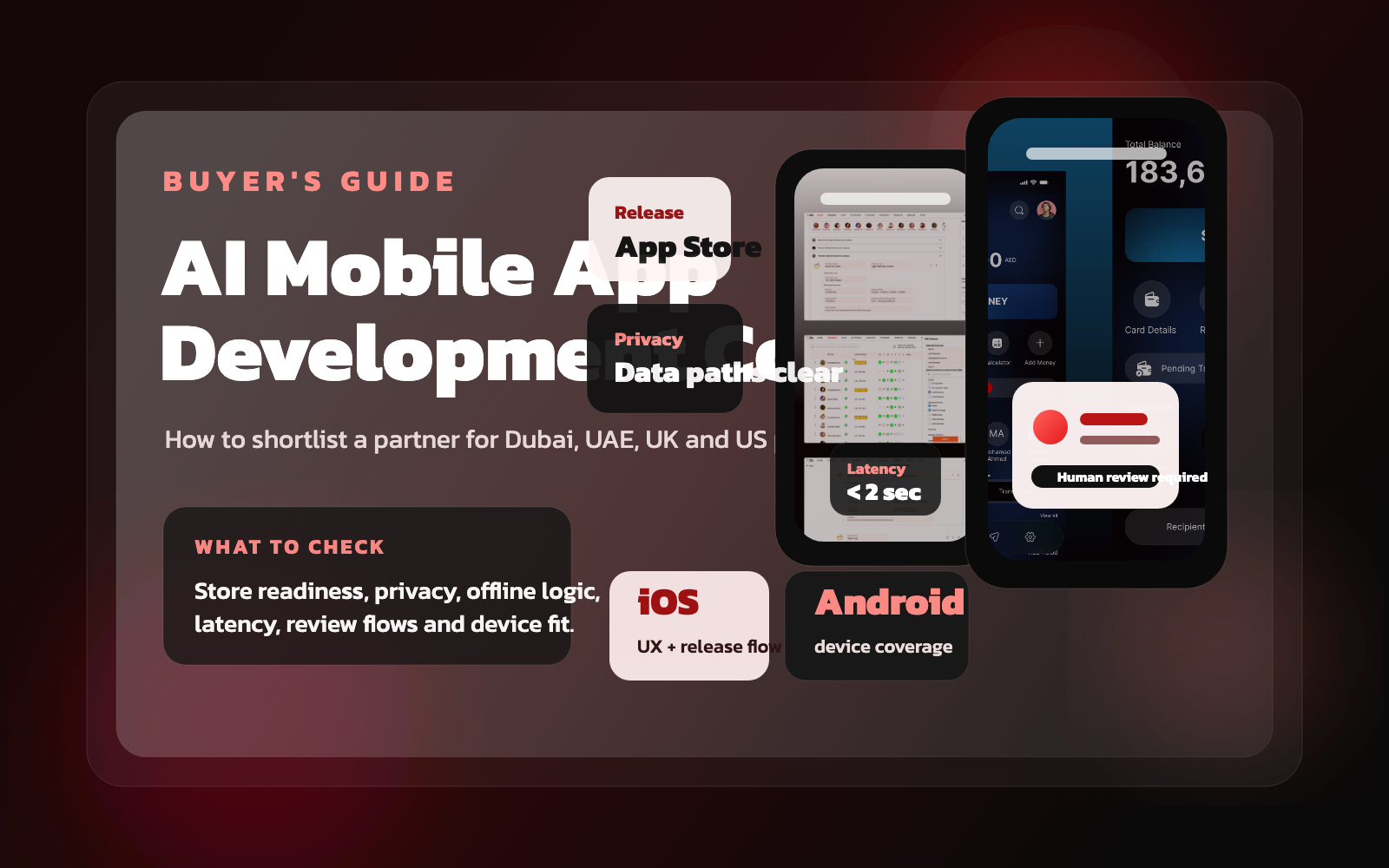
If you're looking for an AI mobile app development company in Dubai, the UAE, the UK or the US, you are not just buying app engineering. You are buying judgment around mobile UX, privacy, release discipline, latency, data flow and what should happen when the AI does not behave perfectly.
That is why mobile AI projects are easy to oversell and hard to execute well. A demo may look impressive on a fast connection with ideal prompts, then feel unreliable the moment a real customer opens the app on a weak network, denies a permission, uploads messy input or expects a clear review step. The best partner is rarely the one talking most loudly about models. It is usually the one thinking most clearly about the workflow.
This guide is for commercial buyers comparing agencies for AI mobile app development, internal productivity tools, customer-facing assistants, field-service apps, healthcare workflows or fintech products that need more than a standard app build.
1. Start with the mobile workflow, not the AI label
The first question is not "Which model will you use?" The first question is "What is the person on the phone actually trying to get done?" On mobile, context matters more. Are they checking something quickly, uploading documents, speaking into the device, reviewing a recommendation, approving a task, or completing work while moving between locations?
A strong agency will map that workflow before they start naming tools. They should ask when the user needs speed, what information is available on the device, where a human must verify the output, and which moments are too risky for the AI to act alone. If the team jumps straight to "AI chatbot app" with no workflow framing, the pitch is already weak.
2. Mobile AI adds constraints that web-only teams often underestimate
Many agencies can build a web AI prototype. Fewer can translate the same logic into a reliable mobile experience. Mobile introduces constraints that materially affect architecture and UX: smaller screens, inconsistent connections, device permissions, battery use, background execution limits, app-store review expectations and much tighter tolerance for delay.
That means your partner should be able to discuss:
- How long key AI interactions can take before the app feels broken
- What the user sees while the system is thinking or fetching data
- What happens when connectivity drops mid-task
- Which features need native device access such as camera, voice, notifications or secure storage
- How sensitive data moves between the device, backend services and model providers
If the team treats mobile as "the same thing as web but smaller," keep shortlisting elsewhere.
3. Ask where inference should happen, not which model sounds coolest
The right architecture for an AI mobile app is usually mixed. Some features may benefit from on-device speed, privacy or resilience. Others may need server-side orchestration, retrieval, business rules, audit trails or heavier models than the phone should handle. Mature teams can explain the decision feature by feature instead of making one sweeping claim.
Push every proposal on these questions:
- Which features run on-device, and why?
- Which features require server-side inference or retrieval?
- What are the latency targets for key flows?
- How do we handle fallback when the AI response is weak or slow?
- What monitoring exists once users are live?
If the answer is mostly branding around one provider or one model family, you still do not know whether the product can survive real use.
4. Check whether the partner can design trust inside a small screen
AI products fail when users cannot tell what the app knows, what it guessed and what they should verify. That problem gets sharper on mobile because space is limited. Good mobile AI UX has to work harder with fewer pixels. The app needs clear loading states, confidence cues, editable outputs, approval steps and straightforward explanations when the system cannot continue.
This is especially important in healthtech, fintech and other trust-sensitive sectors. A strong partner should be able to show how they handle review flows, sensitive actions, exception states and human override rather than just presenting glossy mockups.
When the UI hides uncertainty, the user ends up carrying the risk.
5. Native versus cross-platform is a commercial decision, not a religion
Buyers still get pulled into abstract debates around native iOS and Android builds versus cross-platform stacks. In practice, the right answer depends on the product. If the app needs deep device integration, advanced motion, strict performance control or platform-specific experiences, native may be the right commercial choice. If the workflow is shared, release speed matters, and the product can tolerate a common UI layer, cross-platform may be perfectly rational.
The agency should explain the tradeoff in terms of cost, performance, maintenance and time to market. That conversation belongs next to mobile app budgeting, not next to engineering ideology. You are buying a delivery system, not a framework preference.
6. Make sure the proposal covers launch and store-readiness, not just build
Some agencies present a credible build phase but treat launch as an afterthought. For mobile, that is a mistake. Store assets, privacy disclosures, analytics events, crash monitoring, release notes, OS-version coverage, device testing and phased rollout plans are part of the commercial deliverable. If they are missing from the proposal, your timeline is not real yet.
Ask every shortlisted team to define four things in plain English:
- What will phase one actually include?
- What assumptions are they making about devices, permissions and integrations?
- What is required for App Store and Play Store submission?
- What support exists after launch for fixes, AI tuning and product iteration?
Teams that can also own adjacent work such as UX design, backend workflows, web dashboards or supporting website development usually create fewer handoff problems during launch.
7. Watch for these three red flags in AI mobile app proposals
Red flag one: no latency or offline discussion. Mobile users feel delays immediately. If the proposal never addresses response-time expectations or degraded-network behavior, the team is still operating at demo level.
Red flag two: no privacy path. If the app handles documents, health data, financial data, or proprietary business inputs, the proposal should clearly explain what stays on-device, what moves to servers, and how access is controlled.
Red flag three: no release view. If there is no mention of app-store readiness, device testing, crash monitoring or post-launch ownership, it is not a launch plan. It is a build-only plan.
8. The safest commercial starting point is still a paid pilot
If you have two or three viable agencies on the table, the best next step is usually not another pitch deck. It is a paid discovery or pilot. That gives you a real signal on how the team frames the workflow, how they challenge assumptions, what they recommend for architecture and how clearly they define the first release.
A useful pilot should produce a concrete artifact set: workflow map, user-flow direction, technical recommendation, AI boundary definition, release assumptions, risk register and a scoped first milestone. That is enough to decide whether the partner can move into a full build with confidence.
Need a second opinion on an AI mobile app brief or proposal?
Makreate helps teams scope AI mobile products, define the UX, plan release-ready builds and decide what should happen on-device versus in the backend before large budgets are committed.
Frequently asked questions
What is different about hiring an AI mobile app development company versus a normal app agency?
The mobile team needs to handle not only app engineering but also AI-specific constraints such as latency, privacy, offline fallbacks, trust signals and model behavior inside a small-screen workflow.
Should the AI run on-device or on the server?
It depends on the workflow. Some features benefit from on-device speed or privacy, while others require server-side orchestration, retrieval or heavier models. A strong partner should explain the tradeoff feature by feature.
How should an AI mobile project start?
Start with a paid discovery or pilot that defines the user flow, device assumptions, data path, review logic and release scope before a full build begins.
What are the main red flags in AI mobile app proposals?
Red flags include vague promises about AI, no discussion of app-store readiness, no privacy or offline plan, no latency targets and no clarity on post-launch support.
Can cross-platform frameworks still work for AI mobile products?
Yes, if the use case fits. The decision should depend on performance, device integration, release speed, UX expectations and long-term maintenance rather than ideology.



Comments
No comments yet. Be the first!